Limitless lifestyle
opportunities
at your fingertips
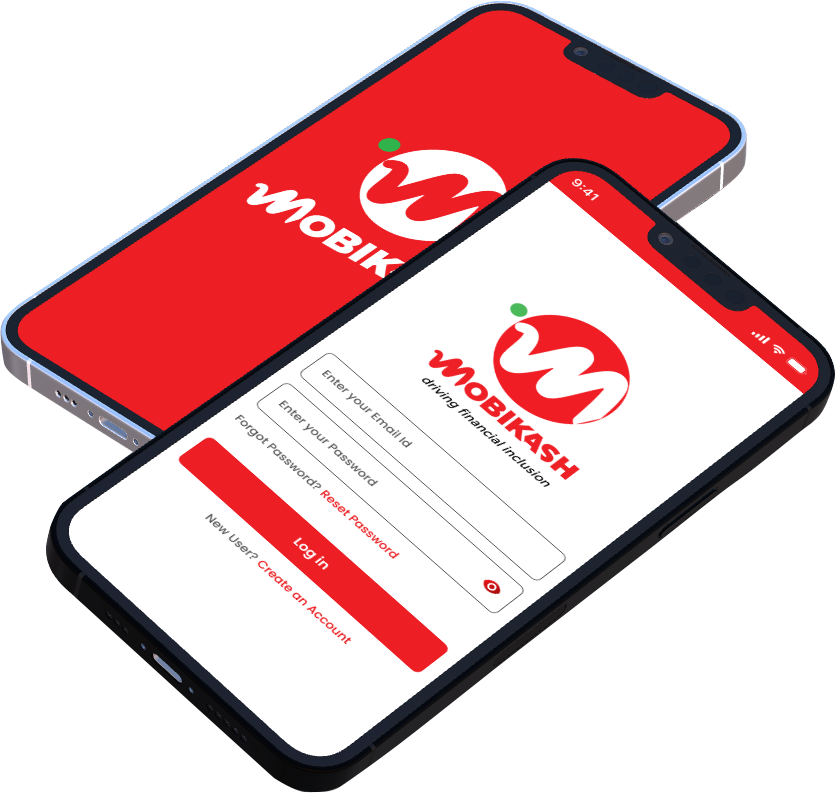
Break all barriers to financial independence with the Mobikash mobile app.
This is the heading
Enjoy internet-free banking
with our USSD code
*889*00#
This is the heading
Send funds, buy airtime,
and pay bills anytime,
anywhere on the mobile app.
Mobile App
This is the heading
Pay for all your local online
transactions with ease.
Debit Card
This is the heading
Receive payment for your
business securely using our
POS machines.
POS Transactions
SEAMLESS DIGITAL BANKING
Savings Account
Build financial independence and enjoy competitive benefits rates with our high interest and low charge savings accounts. From classic to target, salary, youth and kids savings accounts, there’s something for everyone at Mobikash.
Enjoy a high Return On Investment and ensure maximum value on all your idle funds when you open a fixed deposit account with us. Grow your capital & choose to cash out with interest or reinvest at the end of your fixed deposit tenure.
Bring your financial dreams to life with Mobikash current account offerings. From our classic to our gold, platinum, and salary accounts, go beyond check issuance to digital transfers, account reconciliation, and online financial advisory. E-statement and online feedback mean you
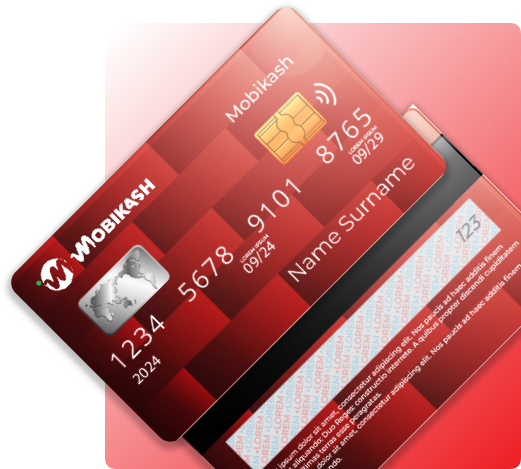
Our Mobikash verve debit cards give you 24/7 access to funds and card payments, both locally and internationally. It is linked to your savings or current account and used to carry out transactions online or offline.
This is a step-by-step guide to opening and activating your unique account number on the Mobikash Mobile App
01
Download the App
Search for and download the Mobikash Mobile App on your Android or iOS device
02
Launch the App
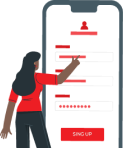
Launch the Mobikash Mobile App and click sign up. Select ‘No’ for do you have an account with us?
03
Enter your information
Launch the Mobikash Mobile App and click sign up. Select ‘No’ for do you have an account with us?
04
Verify your identity
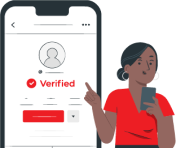
Input the OTP (One Time Password) sent to your mobile number or email address and click on validate
05
Enter your
login details
Create your username, password, and PIN, then click on proceed. Please read and accept the Terms and Conditions.
06
Confirm
you're human
Follow the prompt to take a ‘Selfie’ in a well-lit environment. The camera will take the snapshot automatically.
07
Select account type
Input the OTP (One Time Password) sent to your mobile number or email address and click on validate
08
Enter unique
account number
Create your username, password, and PIN, then click on proceed. Please read and accept the Terms and Conditions.
09
That's it,
you're done
Congratulations! You can now log in to your Parallex Mobile App using your credentials.
Enjoy truly limitless banking with the
Mobikash Mobile App
No frustrating queues, no branch visits, no hidden charges. With Parallex Mobile, you truly are limitless. Download the Parallex Mobile App today to enjoy this new banking experience.
Download the Mobikash Mobile App Now
Create and activate your unique account number in minutes. Get